Pipeline Analysis
To start an analysis of your pipeline(s), select Business Development --> Pipelines in the sidebar or click here. Along the top of the page, you can filter the analysis by Pipeline and Pursuit owner, which allows you to better understand the performance of teams or individual team members.

Funnel
Shows the weighted and unweighted value of your pipeline by stage. You can filter the funnel to show different calendar years and can change the measurement to show the pipeline by dollar or by number of opportunities.
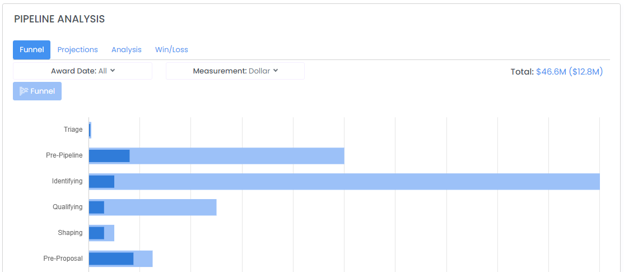
Note that if you have more than one Pipeline selected the funnel will show the pipeline stages relative to Award (-1 meaning one stage from Award, -2 meaning two stages from Award) rather than by name.
Projections
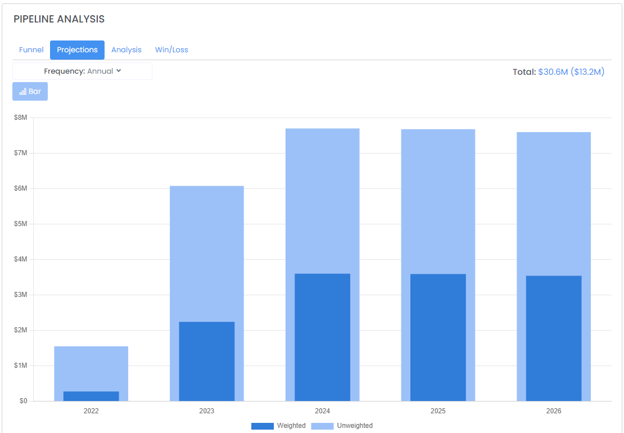
Shows the weighted and unweighted value of the pipeline by Year, Quarter, or Month.
Analysis
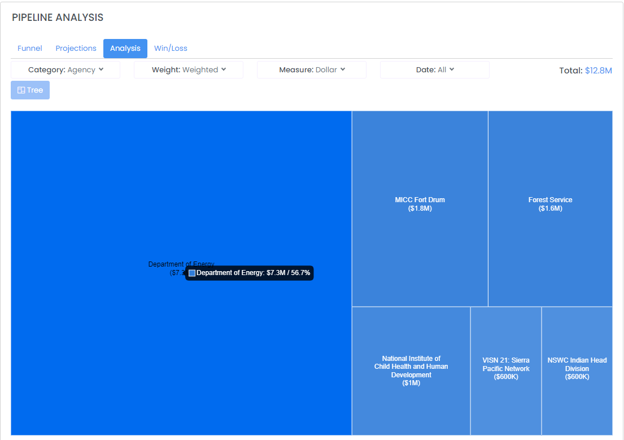
Shows a breakdown of the funnel by different categories including Agency, Contract/Grant, Contract Vehicle, Owner, Pursuit Type, NAICS, Prime/Sub, PSC, and Set Aside. The analysis can be further filtered by Weighted and Unweighted pipeline and Dollar vs Count.
Win/Loss
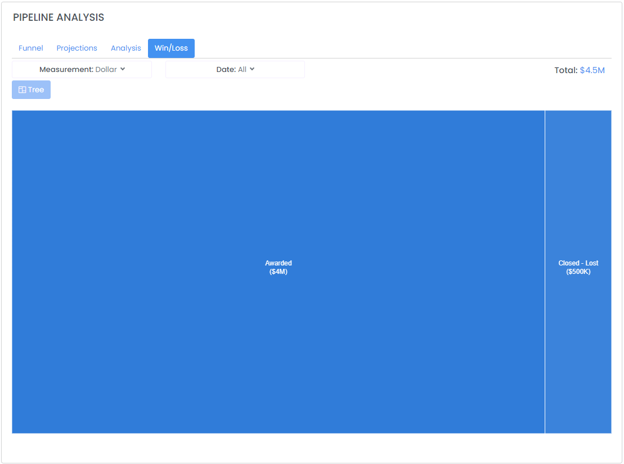
Shows opportunity Win / Loss rates and can be analyzed by dollar and count and by calendar year.
Calendar
The Calendar tab shows all historical and upcoming pursuits and activities for the selected Pipelines / Owners. This calendar is also available from your Dashboard when you sign in.
Bulk Pursuit Editor
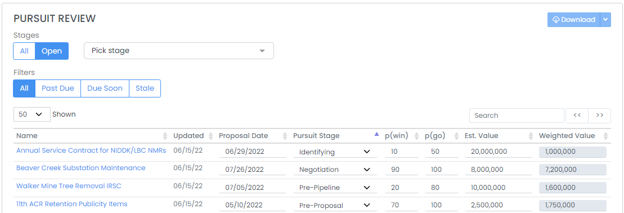
Need to make adjustments quickly? The Pursuits tab in the Pipeline Review allows for rapidly changing proposal due date, pursuit stage, p(win), p(go), and estimated value for multiple pursuits quickly. The Pipeline Analysis will be automatically updated after adjustments are made.